Edibz - The Geek's Organisation !

Find Out your latest Application, News, how to, Android, Iphone, geek news, Gaming and all devices latest updates

Responsive Ads Here
Showing posts with label Computers. Show all posts

Thursday, 22 March 2018

Play Android games on your computer easily

To make Android games more fun and exciting, you have to move them and play them on your computer. Today, my dear brothers, I will give you the best way to play the fun strategy game called War on the PC with Mimo, which enables you to run Android applications and games on your computer. You can use whatever you want from your games and applications, such as using a smartphone other than choosing the specifications and screen size you prefer. Let us learn about Mimo today and how we can play the latest war game.

First you must download the program through the direct link below this topic

[post_ad]

Then, after you have installed it on your computer, open it and you will see a screen or an Android 5.1 interface, you can choose the description you want, and you can download War Call 3 through the Play Store or through the apk file. It is important that both methods are useful.


The Call of War strategic game known as the English name Call for war 3, depends in this game to train your own army to engage in fierce wars with the enemies can also establish friendships and alliances with other players to strengthen your position in the game as well as for the cut on the support, the beautiful thing that the game supports Arabic language also has a huge number of players League of Arab nationalities.

The appropriate steps to play the game call the war on the computer by MEmu Simulator:

1. Install the game through Google None or an apk file directly
2. Play the game directly (necessary to connect to the Internet because the game plays only online)
3. Follow the instructions to play the game or log in to your account to continue your level if you have played the game in another device.


You can also use the tools provided by the Mimo side program to record video game play on the call of war and recording battles between enemies and these features of the program and you can also control the buttons play if you play a game controlled by the keyboard buttons and now you only have to try Program it yourself and run your favorite games.

Download it directly from here

Tuesday, 6 March 2018

X-mirage-2.3.9 To display the iPhone screen on Windows

A program that specializes in displaying the screen of iPhone and iPad on the computer screen and can record the screen of the iPhone to make some explanations and others


This program has a copy of another program on the Mac and this program is similar to almost the same as the work of the program on the Mac.


This is the version of Windows


Thursday, 25 January 2018

Android-x86 7.1-rc2 in the latest version


Android-x86 is an unofficial initiative to make Android's mobile operating system works on computers with Intel processors and Advanced Micro Devices (AMD)

The project started as a series of batches. It works on netbooksand ultra-mobile PCs
Especially the ASUS Eee PC
But now it can be used on most devices and can be used as a virtual machine via VBox
There are attempts to fetch the Android Runtime library necessary to run Android 5.0


Download Android-x86


[post_ad]


Before installing any GNU/Linux distribution !

In this topic i will explain and install the most important existing GNU / Linux distributions. I will focus on these distributions:


LinuxMint, Debian, Fedora, Manjaro, Opensuse

1 - Linux Mint
It built on the Deb package manager and is the best distro for beginners and easy to use and is built on Ubuntu and Debian.


2 - Debian
It considered one of the oldest distributions and most famous and is also the cornerstone of many known distributions and is known as one of the best distributions used in the servers.


3 - Fedora
It also called the Fedora Project, based on the RPM Package Manager, developed by the community-supported Fedora project and sponsored by Redhat.


4 - Manjaro
This distribution is wonderful and easy and supported by a team of developers and is based on the strongest distributions are Arch.


5 - Opensuse
It a distribution based on the distribution known as suse entreprise issued by Novell is a powerful distribution and easy for beginners also.

There are many other distributions and I have chosen to dig deeper into these distributions specifically because they are known and also for their features.


Note : For those who do not know what is deb and rpm is known as package manager, it is almost a program that helps you install packages and packages are programs that some use and some are used in hiding. What makes the role of the package manager important is that when the package is focused
Which in turn needs another package to run it also installs ... in short, it looks for everything you need to run a program when installing it by installing the other packages you need. I do not see a goal of knowing anything about it as long as you want to use Unix as a user, all packet managers are roughly equal to the difference in just a little bit of speed. And the advantages of some that are complementary only and are not really necessary ...


The topic also includes how to download and how we can choose the right version for you.


Linux Mint has two types of versions:

Normal version: Every 6 months and includes the latest technologies that have reached Ubuntu. This version supports for 9 months, where it provides updates and fixes along this length.
Version supported for long term - LTS: issued every two years and focuses on stability and stability. This version supports for 5 years.

For Opensuse it has two types of versions:

openSUSE Tumbleweed: A release that includes the latest updates and programs and issues every short period.
openSUSE Leap: It is the official version and is issued annually

So, as you focus on your system, you can choose either 64bit or 32bit versions depending on your device type.

To download the latest versions:[post_ad]

LINUX MINT

DEBIAN

FEDORA

MANJARO

OPENSUSE


What is the desktop in linux :

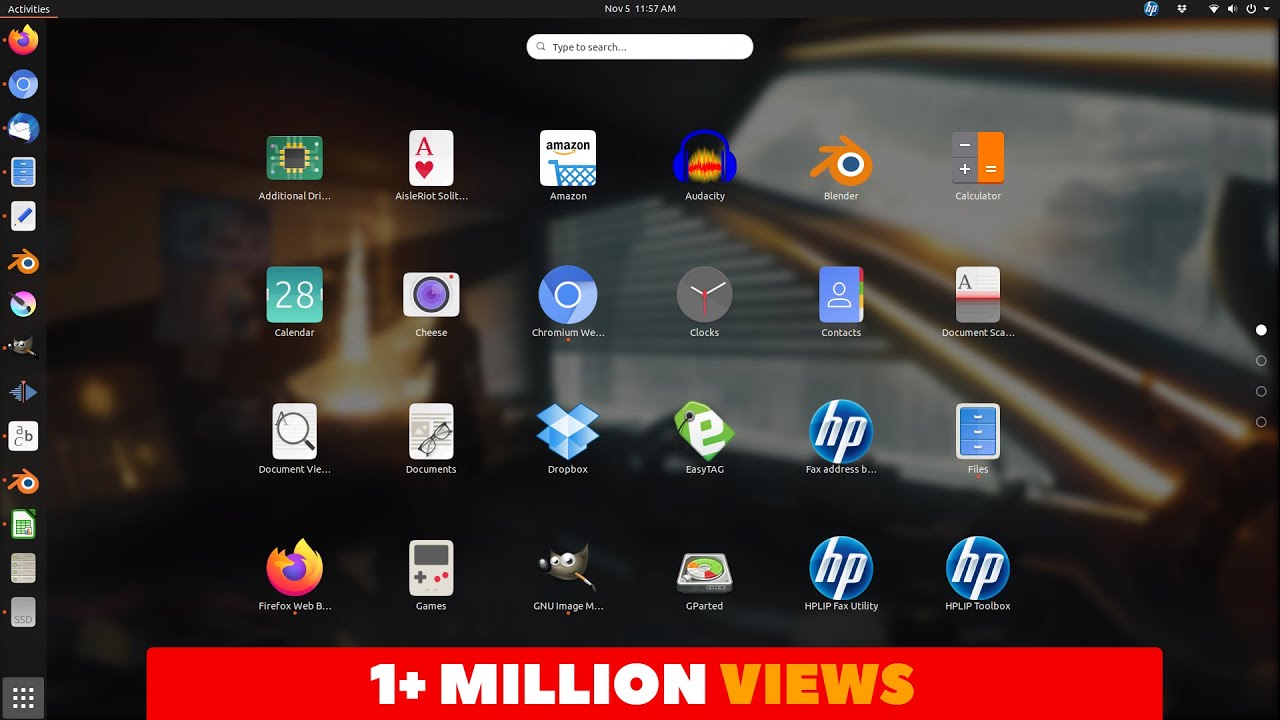
The graphical components you see in front of you, such as software, tools, extensions, browser files, etc. These graphical applications on the Linux environment are components for "desktop environments," a desktop environment consisting of a number of software, libraries and small packages that have a large environment to run The second part is the interface, the interface is the thing that you see directly in front of you and deal with it and use it to control the system and operate it graphically, which means that we can say that environments S Office Desk is the core of the graphics you see, and the interface is the cover of this pulp you deal directly with your mouse and keyboard ... There are a lot of environments, but the most important ones:

KDE

GNOME

XFCE

LXCD

And others ...

For facades there are:

Unity

Mate

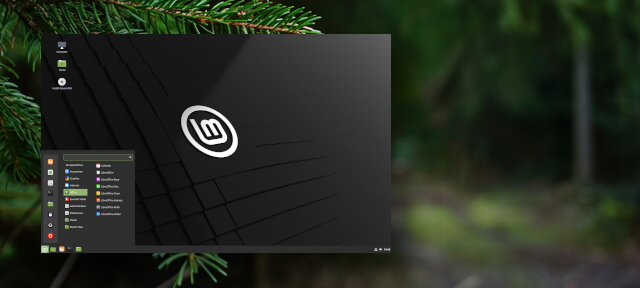
Cinnamon

Gnome shell

KDE plasma

Open box
And others ...

For each desktop virtualization distribution:

Linux Mint is known for its cinnamon interface

Debian uses Gnome

Fedora uses Gnome

Manjaro uses XFC

Opensuse uses KDE

For each distribution of other options, the choice remains for the user.

In Windows, to check the integrity of the downloaded ISO file, WinMD5Sum can be used to compare the MD5 codes on the download page and are in the uploaded file.

Burn the Linux Mint or Ubuntu distribution to a CD or DVD

After downloading the distribution from the official website, the file to be installed on our device will be in ISO format. To operate it we have to burn it on a CD or DVD or on a USB storage.

The easiest for beginners is to burn it on a disk using any program that supports the iso format and those who want to take off the usb can use the program unetbootin or program rufus and may be presented in the forum. And all distributions.

Things to consider before installing any Linux distro


You should pay attention to these things:
  • When burning the distribution on SDI likes the less speed Mi gets errors.
  • For installation from the USB module, it is recommended to use the rufus program because it will destroy all old and new devices.
  • It is best to try any Live distro before you install it to take the idea of whether you like it or not.
  • If you decide to install next to Windows you should take a backup copy of your files in the form of what happened error.
  • Prepare the hard disk to install the distribution next to Windows and allocate a space of about 5 G of C in order to install the distribution on them. Those who have more space are better, especially if they are eager to install many programs on the distribution.

Important points for Linux users to follow and take into account when dealing with Linux daily.
  • Do not log on as a root user on the operating system and use one of the following commands (sudo or su). If you want to execute a system management order, you must use a user with normal privileges at your daily work. If you need to execute commands to manage the operating system, As a root user by one of the previous commands, and after you finish these things you must log out of the root user, because any hacking of the system targeted the root user or the execution of any error that threatens the stability of the operating system, if we assume that you want to delete all the files in the main folder You will write the command Next: rm -rf ~ / *. But if you made a mistake and wrote the command as follows: rm -rf ~ / *. If you are dealing with the operating system as a normal user, you will receive an error message because of the permissions. This is because you have tried to delete all the files in the root of the system and these privileges do not exist for the normal user. Prev This will delete the system files and thus cause a malfunction in the operating system.
  • Use the package manager in software installation operations where possible: Linux package manager is similar to Add / Remove Programs in Windows, making system administration and software installation easier and easier. Just choose the program you want to install, either by using the graphical interface of the package manager or through the command line. The same process is used to delete or update any program. There is another method sometimes used. You can not install programs through the package manager. These programs are manually done by a compile action.
  • The most important thing is always read the documentation files and help files for the operating system and files related to errors.
  • Take backup copies before any operation is performed, especially those processes and things that can affect the operating system.
  • Try to use and learn to handle the command line as much as possible: Command line is an effective and easy to handle, in some cases, especially in the servers do not contain a graphical interface to reduce the consumption of system resources (RAM, CPU, etc.) Command-line management is the only recourse for people who deal with the Linux operating system in that case. A rule that exists in every order of life is that if you do not surrender, if you surrender and despair to yourself, you will not learn and will not succeed to get what you want. So try hard and make sure that you can not reach your destination easily and in a short time. You will need time, practice and application.

Thursday, 18 January 2018

Beware of buying a cheap, high-capacity memory card

The German Consumer Guidance Center warned of USB memory cards with huge storage capacity of up to one terabyte or more and sold at cheap prices.


The center, based in the state of North Rhine-Westphalia, Germany, said the user may find on e-shopping sites attractive offers for such cards with large capacities and cheap prices, without realizing that it could harm the computer.

He explained that the computer may confirm the storage capacity of the card when connected to the device, but this type of cards usually store a lot of data much less than those announced, which ultimately lead to data loss.

Those searching for large-capacity USB memory cards were advised to make comparisons between the prices of cards produced by prestigious companies.
[post_ad]
Kingston, for example, produces USB cards with a capacity of two terabytes, but the price of this storage unit could be around 4,000 euros.